Which TLS version your website should use
People say SSL, but the protocol securing your website is TLS—and the version matters. Learn why TLS 1.0 and 1.1 are retired, and how 1.2 and 1.3 should be set.
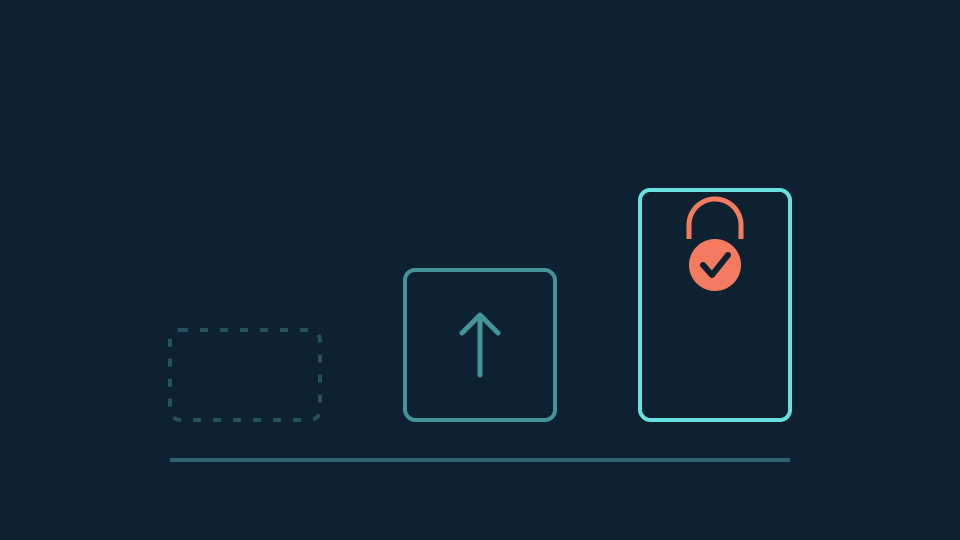
Everyone says “SSL certificate,” so it surprises people that no current website should be using SSL at all. SSL—Secure Sockets Layer—was the original protocol from the 1990s; its successor, TLS (Transport Layer Security), replaced it decades ago. The name stuck, the protocol moved on, and today the practical question is not SSL versus TLS but which TLS version your website accepts.
One clarification saves a lot of confusion: the certificate and the protocol version are separate things. A certificate proves the site’s identity; the TLS version is negotiated per connection between the browser and the server. Renewing a certificate does not change protocol versions, and a valid certificate can still sit in front of an outdated configuration.
The versions that should be off
SSL 2.0 and 3.0 are long prohibited, broken by well-known attacks. More relevant to settings you might actually see: TLS 1.0 and TLS 1.1 were formally deprecated in 2021, and the major browsers dropped them in 2020. They rely on aging cryptography, and standards such as PCI DSS—which applies wherever cards are accepted—require at least TLS 1.2. If a configuration panel still offers 1.0 or 1.1 as a minimum, the correct move is up, not compatibility.
TLS 1.2 is the working floor
TLS 1.2 has been the internet’s workhorse since 2008. Configured with modern cipher suites, it remains considered secure, and essentially every browser, crawler, and API client in current use supports it. That combination—still sound, universally compatible—is why minimum TLS 1.2 is the sensible setting for a business website today, and why disabling 1.2 entirely is rarely worth the compatibility cost for a public audience.
TLS 1.3 is the current ceiling
TLS 1.3, standardized in 2018, is the version to prefer wherever the platform supports it. It removed the legacy algorithms that made older versions fragile, made forward secrecy the default rather than an option, and shortened the connection handshake—fewer round trips before the first byte of the page. There is no “1.3+” waiting in the wings; 1.3 is the current edition, and enabling it costs nothing because clients that cannot speak it simply negotiate 1.2.
The practical answer
For a small-business website the configuration is two settings: minimum version TLS 1.2, with TLS 1.3 enabled. Nothing older is accepted, nothing newer exists, and the browser and server quietly pick the best version both sides support. A 1.3-only configuration is defensible for a purely modern audience, but it shuts out older clients and some corporate networks for little practical gain on a public site.
Where you set this depends on where the connection terminates: for sites behind a CDN or proxy, the edge settings control what visitors get, and hosted platforms often manage the choice for you. It is worth confirming rather than assuming—an online TLS checker, or the provider’s own settings page, will show the accepted versions in a minute.
How Doory handles it
Websites under Doory’s management are configured at the edge with minimum TLS 1.2 and TLS 1.3 enabled, and those settings are reviewed as part of ongoing security maintenance rather than set once and forgotten. Certificate renewal is monitored separately—because, as above, a healthy certificate and a healthy protocol configuration are two different checks.
The useful conclusion
Say “SSL” in conversation; configure TLS in practice. Retire 1.0 and 1.1 anywhere they linger, hold the floor at 1.2, and let 1.3 do the work for every client that supports it. It is one of the few security settings with a clean, universal answer—worth checking once, and worth having someone accountable for keeping it that way.
Related service:Explore Managed Websites.